




- Home
- >
- DEVELOP ITS PEDAGOGICAL PRACTICES
- >
- Continuous development of practices
- >
- Generating AI Conversation in Role Play Mode in Blackboard
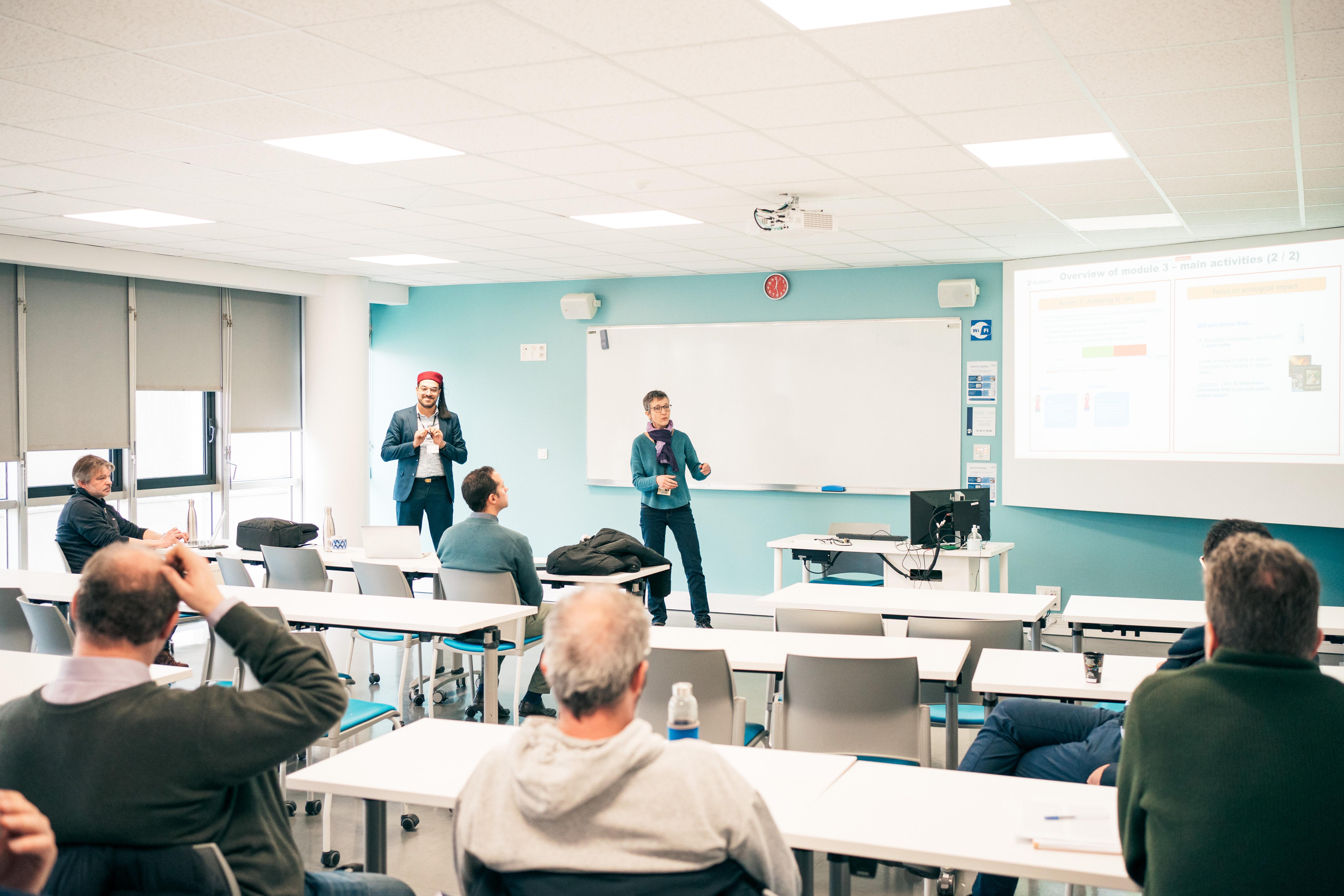
During theAI Festival held on January 29, 2026, and organized by TRAIN Initiative, the team the Learning & Teaching Development team was invited to present the tool as part of a workshop AI Conversation offered in the environment Blackboard.
The AI Conversation tool allows you to develop interactive activities that are accessible to students. Teachers have two options in the AI Conversation feature:
- Socratic questioning, in which the AI character leads students to think critically,
- role-playing, which allows students to act out a scenario with the AI character.
In this case, we focused our presentation on the Role-playing feature. This role-playing feature allows teachers to develop simulated conversations for their students by defining specific roles for the AI character and the students. This interactive option enhances student learning by allowing them to put their skills into practice through role-playing exercises based on the subject and/or course material targeted by the teacher.
With customizable personality traits for the AI character (as well as a name and image), contextual instructions, and a set level of response complexity, the Role-Play feature promotes engaging and dynamic exchanges, enriches the overall learning process, and encourages critical thinking.
If you are interested in this type of activity, in this article we share with you the resources offered during this workshop:
- A video tutorial ;
- A development guide ;
- Some application exercises and activity suggestions.
USEFUL LINKS


You have subtitles available in two languages (French and English) to activate at the bottom right (gear button) of the video player.


